
Welcome this post on the use of technology to support adaptive teaching. This is part of a wider set of article and resources aimed at improving our ability to achieve inclusive excellence and high expectation within our classrooms.
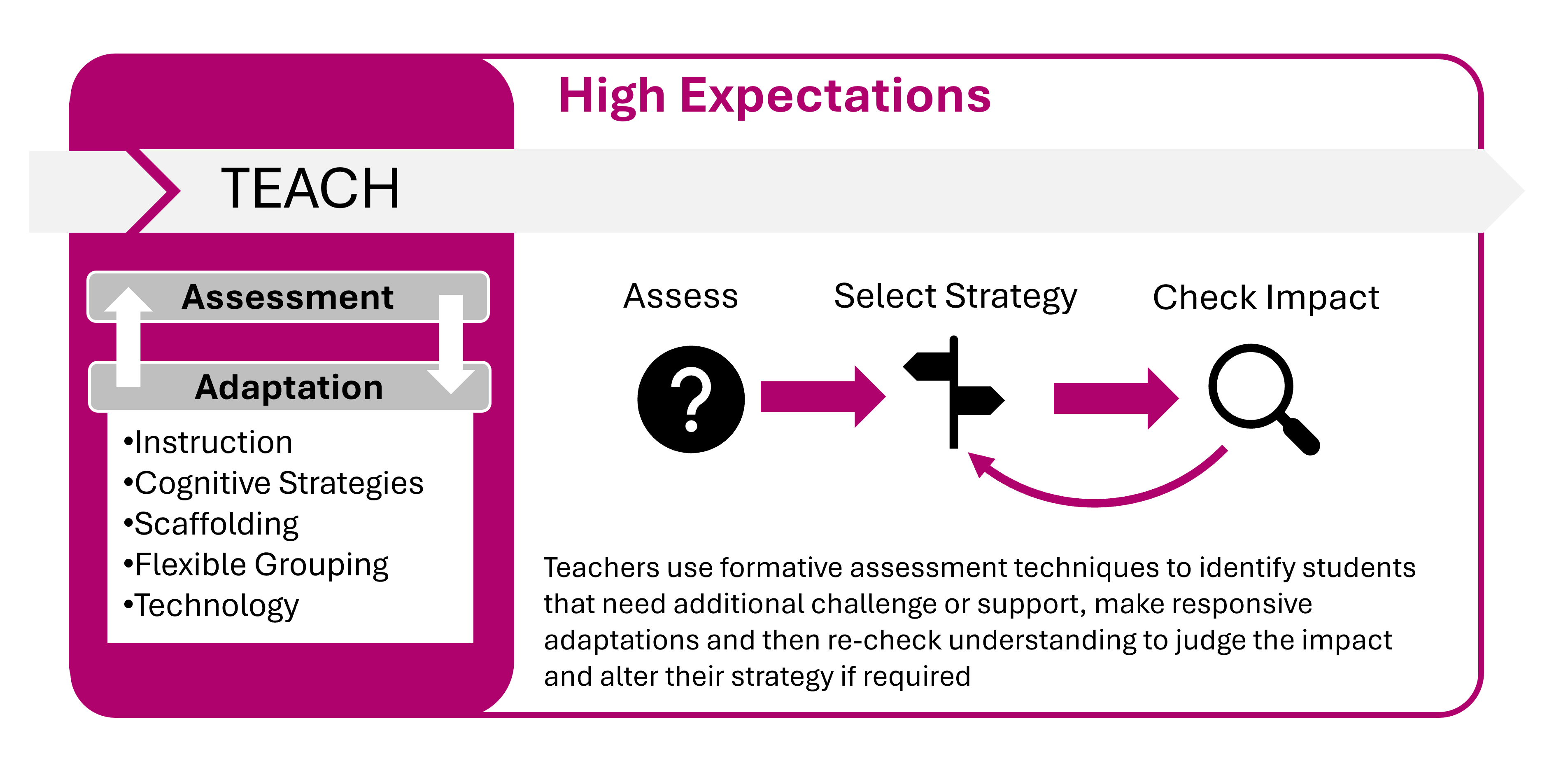
What?
Technologies for enhancing teaching and learning include devices such as laptops, tablets, visualisers, interactive displays and response systems as well as software such as interactive simulations, video resources, tutoring systems, quizzing and modelling. These technologies are largely aimed at supporting pupils to access the learning, to record their learning and to practice their learning and crucially, they should be used to supplement or enhance existing teaching, rather than to replace it.
Why?
Technology acts as a powerful enabler of adaptive teaching in several ways:
How?
Improving Explanations and Modelling
Modelling Expert Thinking: Technology can help teachers model in new ways, providing opportunities to highlight their and external experts thinking. Simple examples include using a visualiser to project worked examples and exemplar work, or utilising video from trusted sources.
Interactive Simulations: In subjects like STEM, interactive simulations can improve learning, particularly when they are designed to direct pupils toward particular learning points.
Flipped Learning: Online resources like video explanations, can be used to introduce learning material prior to lessons. Teachers can then use classroom time differently, focusing on applying knowledge or targeting support.
Improving Pupil Practice
Recording and participation: Devices like laptops and tablets can improve the ability to record learning and can facilitate participation is tasks and activities.
Retrieval Practice and Self-Quizzing: Using technology, such as quiz applications on phones or tablets, supports retrieval practice and self-quizzing, which helps to increase the retention of key ideas and knowledge.
Adaptive Practice Systems: Some forms of technology can adapt practice activities by incorporating assessment and dynamically increasing the challenge as pupils succeed, or by modifying content to provide new contexts.
Improving Assessment and Feedback
Real-Time Formative Assessment: Technology, such as online quizzes or Learner Response Systems ("clickers"), can increase the speed and accuracy with which assessment information is collected, providing teachers with an instant summary of pupil responses. This rapid feedback loop supports teachers' in-the-moment adaptations
Digital Feedback Loops: Technology can provide feedback directly to pupils via programmes or interventions, often with speed and personalisation. Verbal feedback recorded over video, or audio can help pupils with SEND block out distractions and feel reassured by the teacher's voice.
Supporting Accessibility and Independence
In-built Functions - Many programmes like word, powerpoint etc off text-to-speech, voice dictation and screen reading functionality as well as colour inversion, screen magnification and live captions
Instructional and Non-Instructional Apps: Apps can be used to provide instruction, modelling, or practice opportunities (instructional apps), or tools to aid learning, such as note-taking apps (non-instructional apps). The use of iPads and iPods has shown strong effects for enhancing academic performance and engagement of students with disabilities
Augmentative Communication Devices (AT): Speech-generating apps can be used to augment the communication skills of pupils with communication difficulties. These technological aids, such as iPods or iPads, are seen as viable and often less stigmatizing than traditional assistive technology aids for individuals with developmental disabilities
Barriers & Solutions
Below are a series of common challenges that staff may face and some strategies for overcoming them
| Common Barrier | Possible Solution |
|---|---|
| Lack of Pedagogical Rationale - Technology is introduced because it is novel and exciting, not because it addresses an identified learning need ("a solution in search of a problem") | Define the Learning Need First: Focus first on defining the problem to be solved (e.g., poor retention of facts) before selecting technology as a solution. Consider how it will change teaching or improve learning. |
| Poor Implementation and Training - Technology is much less likely to have an impact without a clear plan for support, initial training, and follow-on activities | Prepare for Implementation: Allocate time and resources for sustained training for teachers and teaching assistants to apply technology effectively within the classroom |
| Lowe Quality Instruction - Technology is used as a substitute for the teacher's direct instruction, resulting in a lower quality learning experience | Supplement, Not Replace: Use technology to supplement or enhance teaching, such as providing additional practice or resources outside of classroom hours, instead of replacing core teacher-led instruction. |
| Digital Literacy - Some pupils may lack the prior knowledge, self-regulation skills, or familiarity with technology needed to benefit from devices and software. | Monitor Use and Ensure Equity: Actively monitor how technology is being used to ensure all learners have the skills needed to use it effectively, thereby reducing the risk of technology widening the gap |
Measuring Success
Below are a series of indicators that we can use to judge whether the adaptive strategy has been successful:
Further Study
Below are a series of links to additional reading and research